
Apps for artists, by artists
Two tools that help you focus on what matters — the drawing.

Drawing from References
An endless supply of inspiration
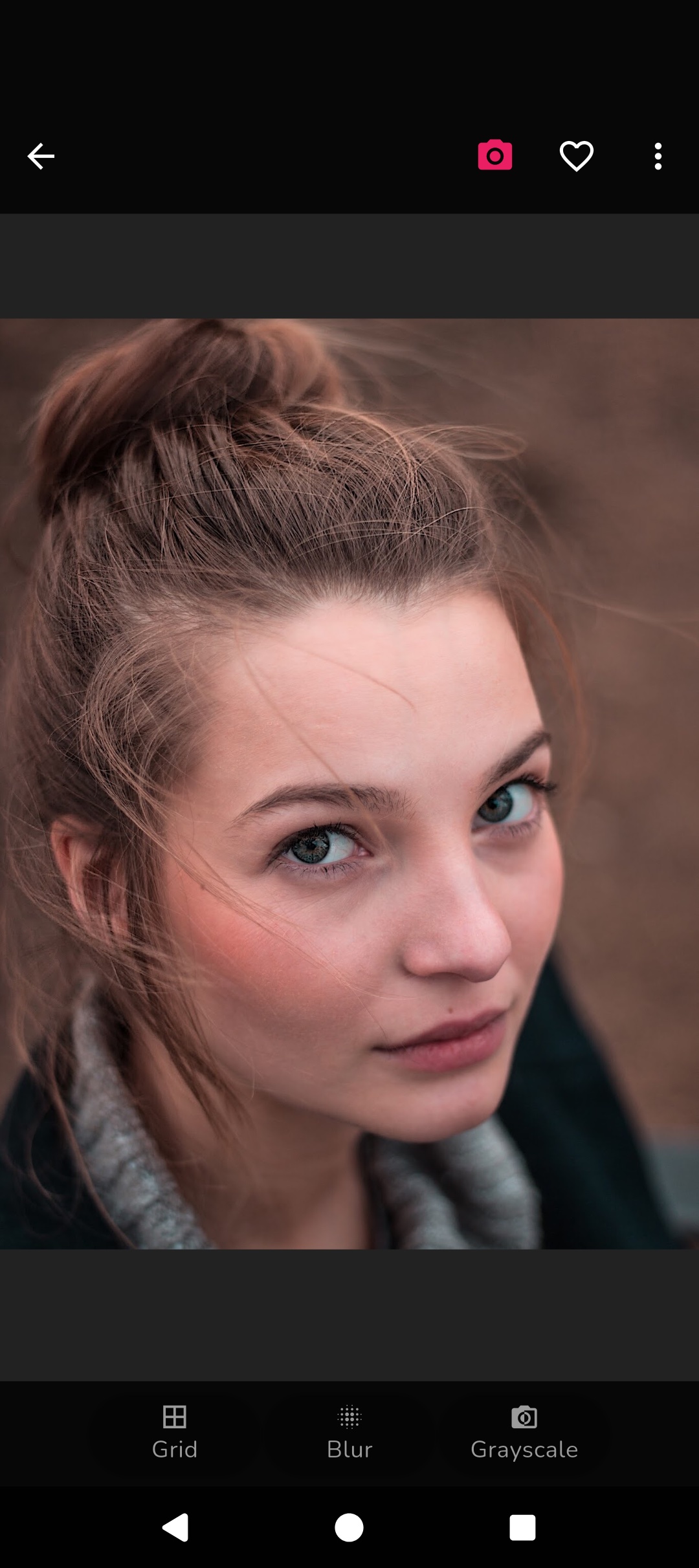
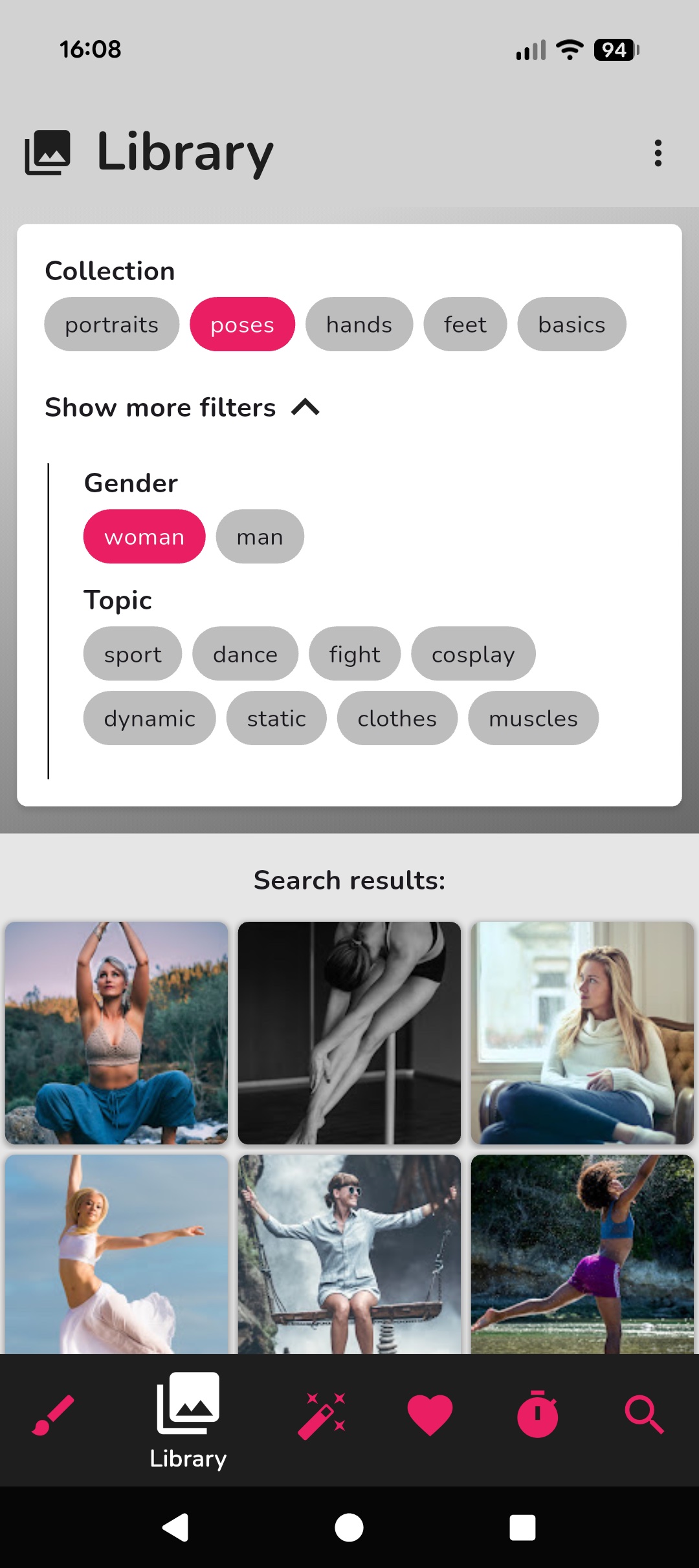
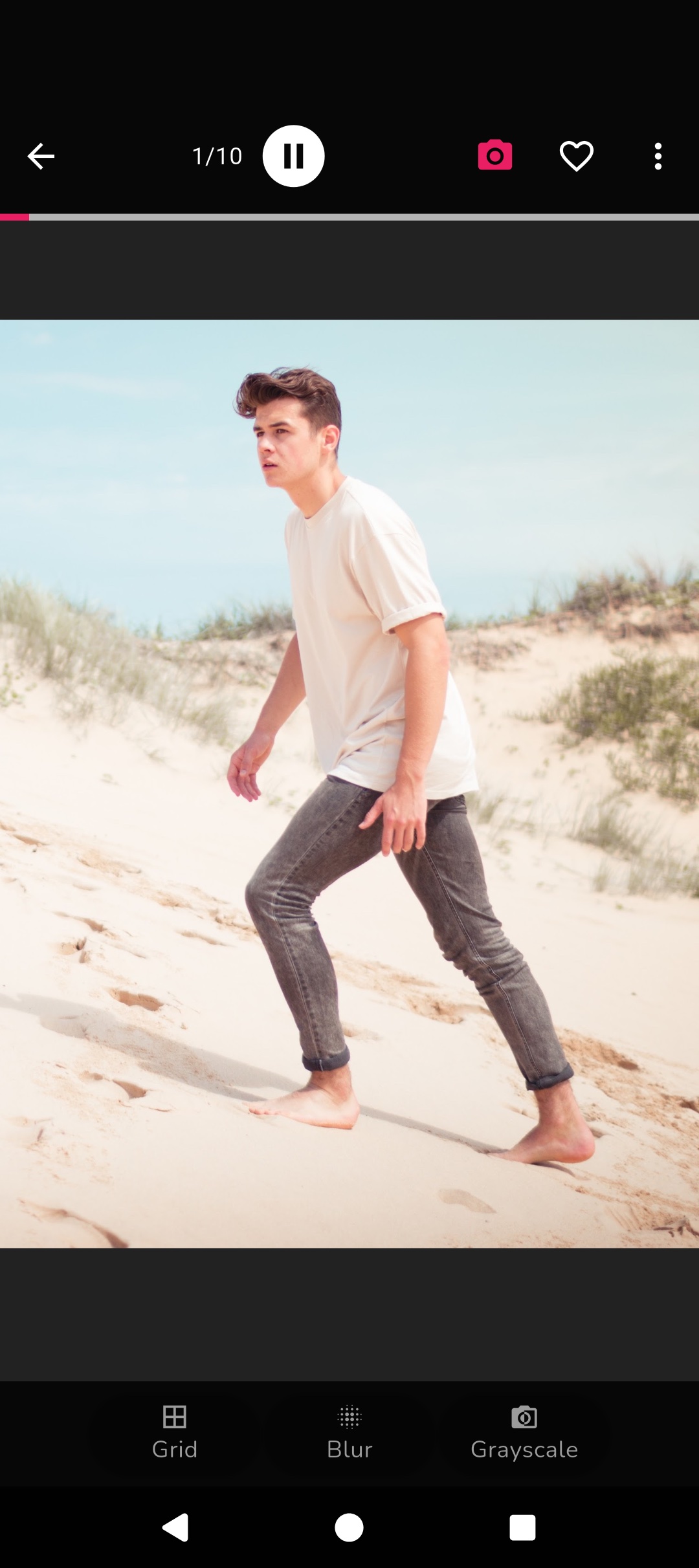
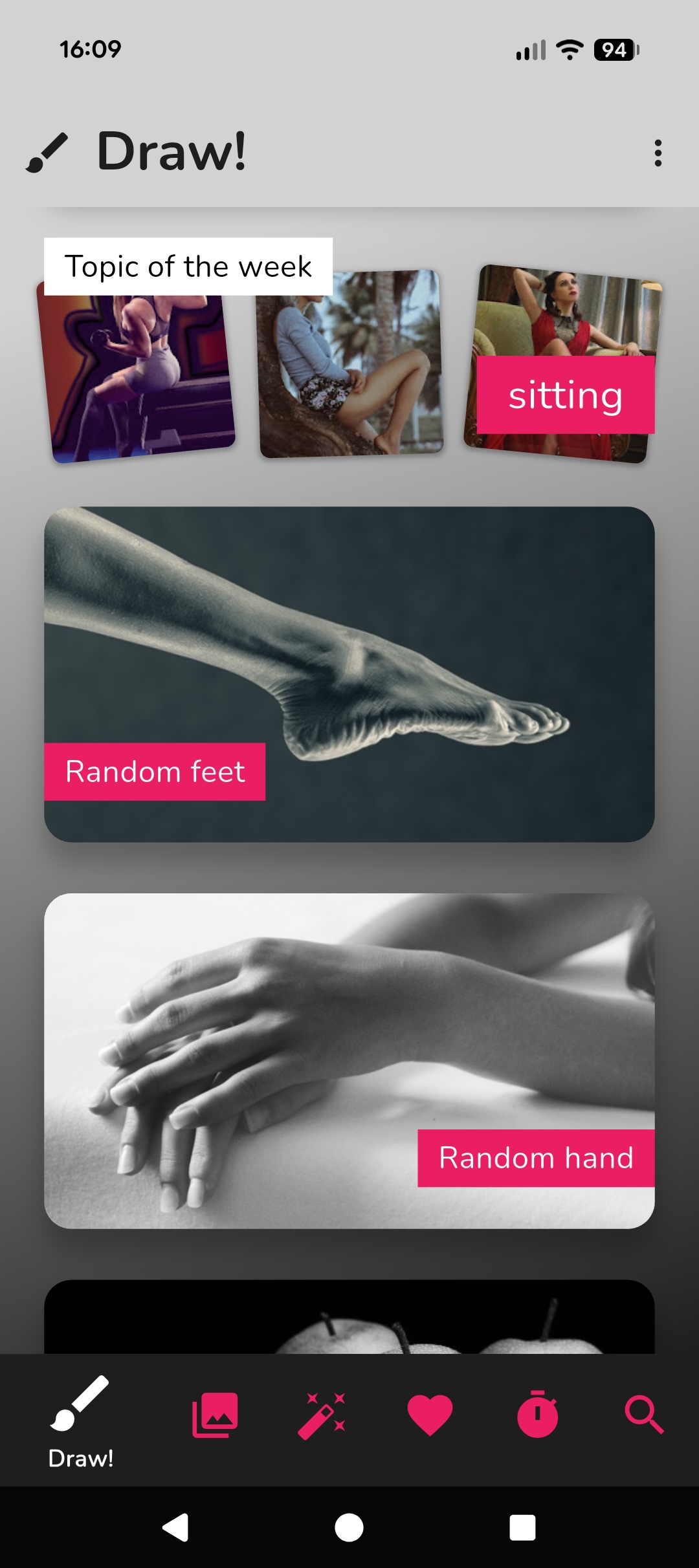
Browse hundreds of curated reference photos and never wonder what to draw again. With drawing aids, timed practice, and AI features — everything you need to improve.
- Hundreds of portraits, poses, hands and more
- AI-generated portrait references
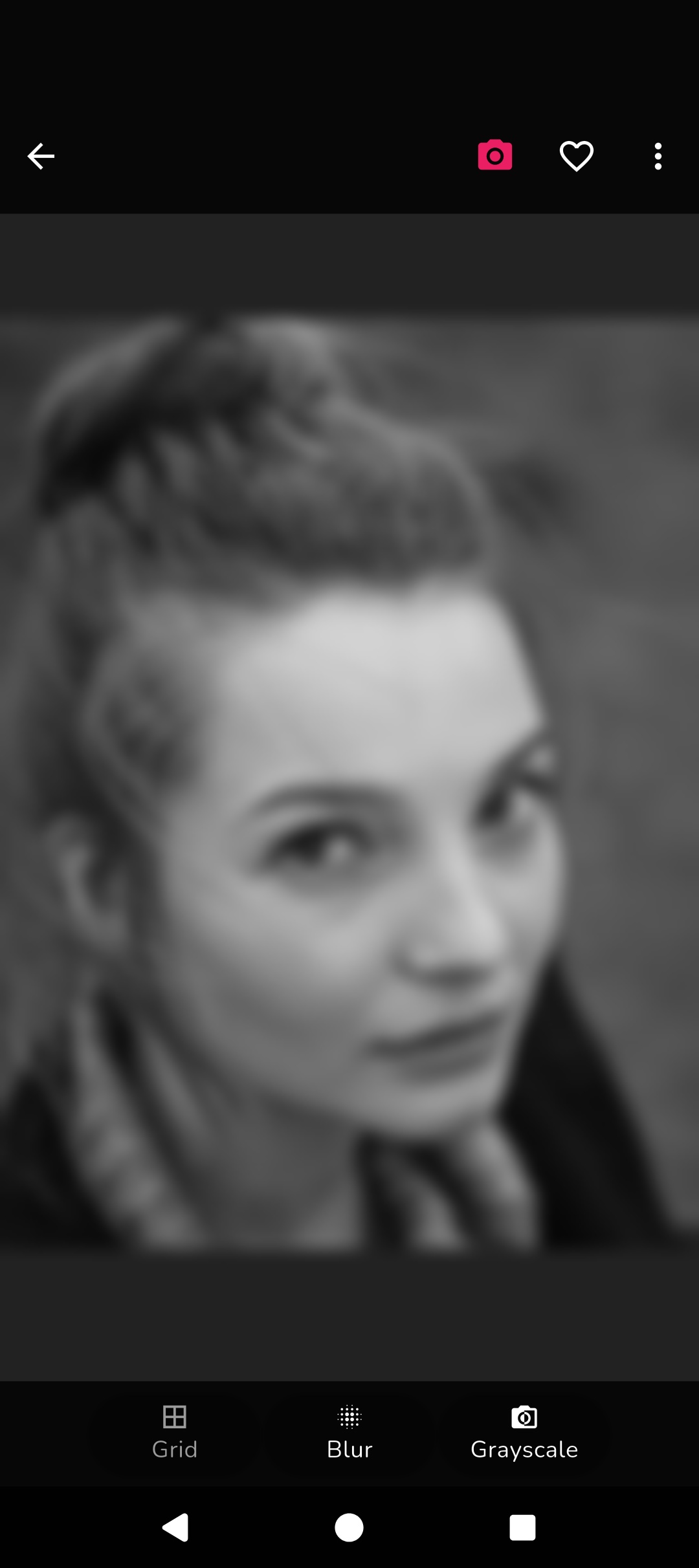
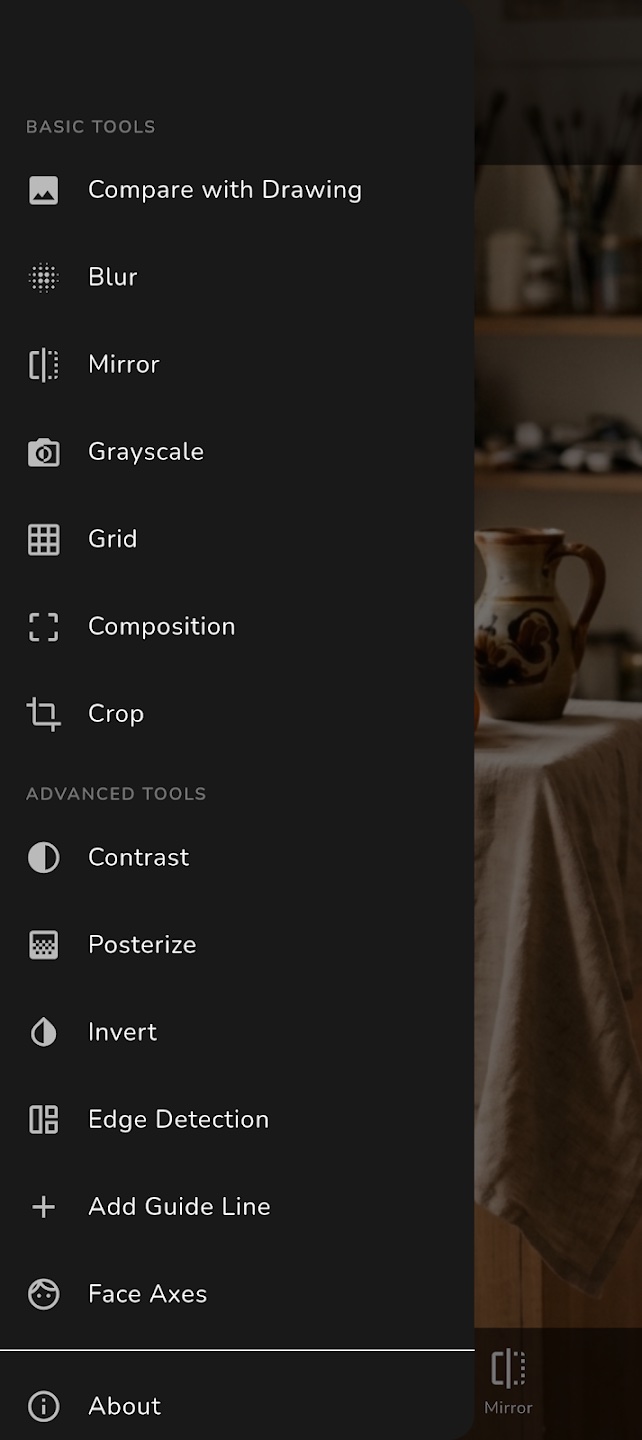
- Drawing aids: grid, blur, grayscale
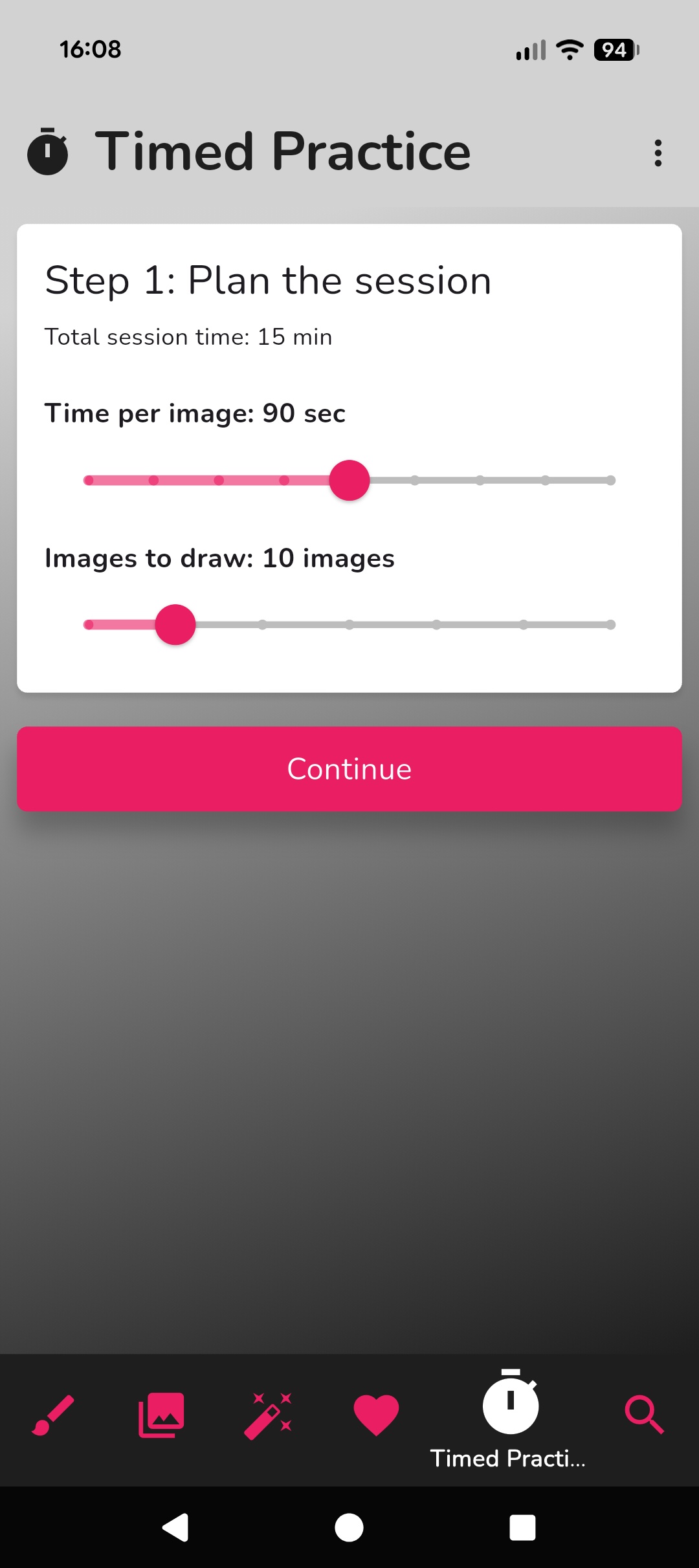
- Timed gesture drawing sessions
- Import your own photo collections
- Search millions of photos via Unsplash


Drawing from Life
Your camera as a drawing tool
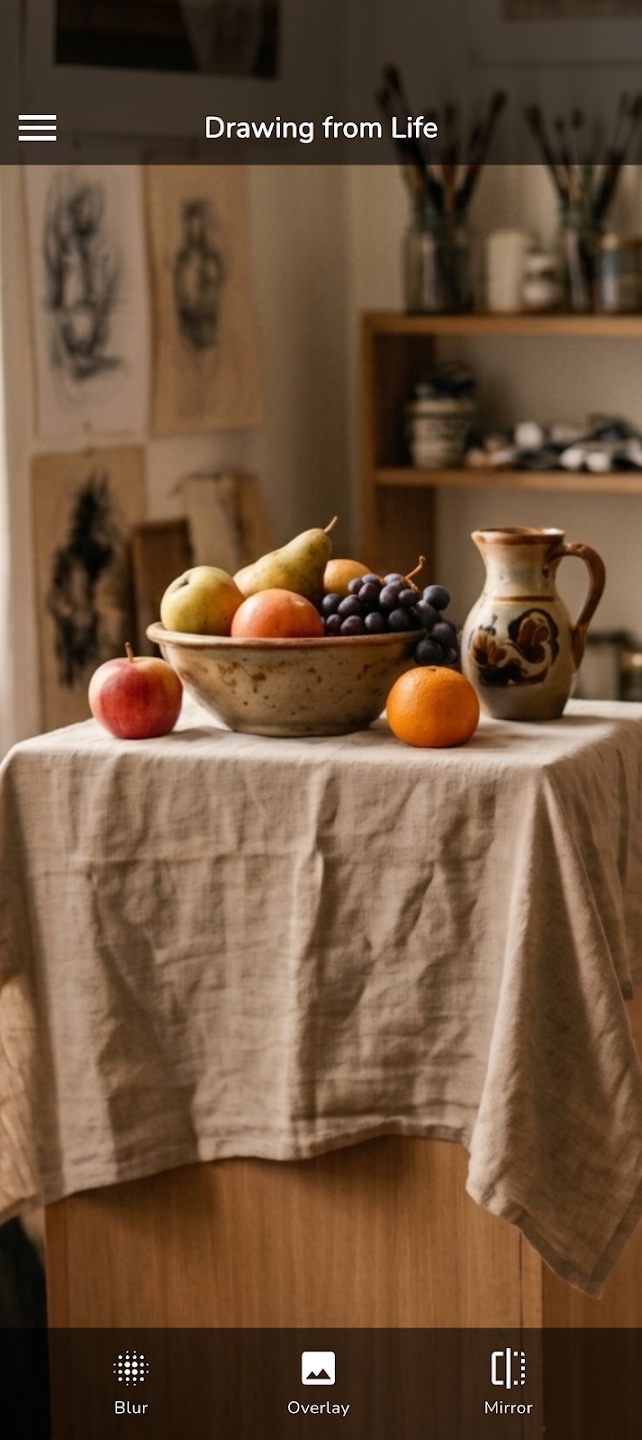
Point your camera at whatever you're drawing and use real-time filters and overlays to train your eye. Whether it's a portrait, still life or landscape — it turns your phone into a powerful drawing aid.
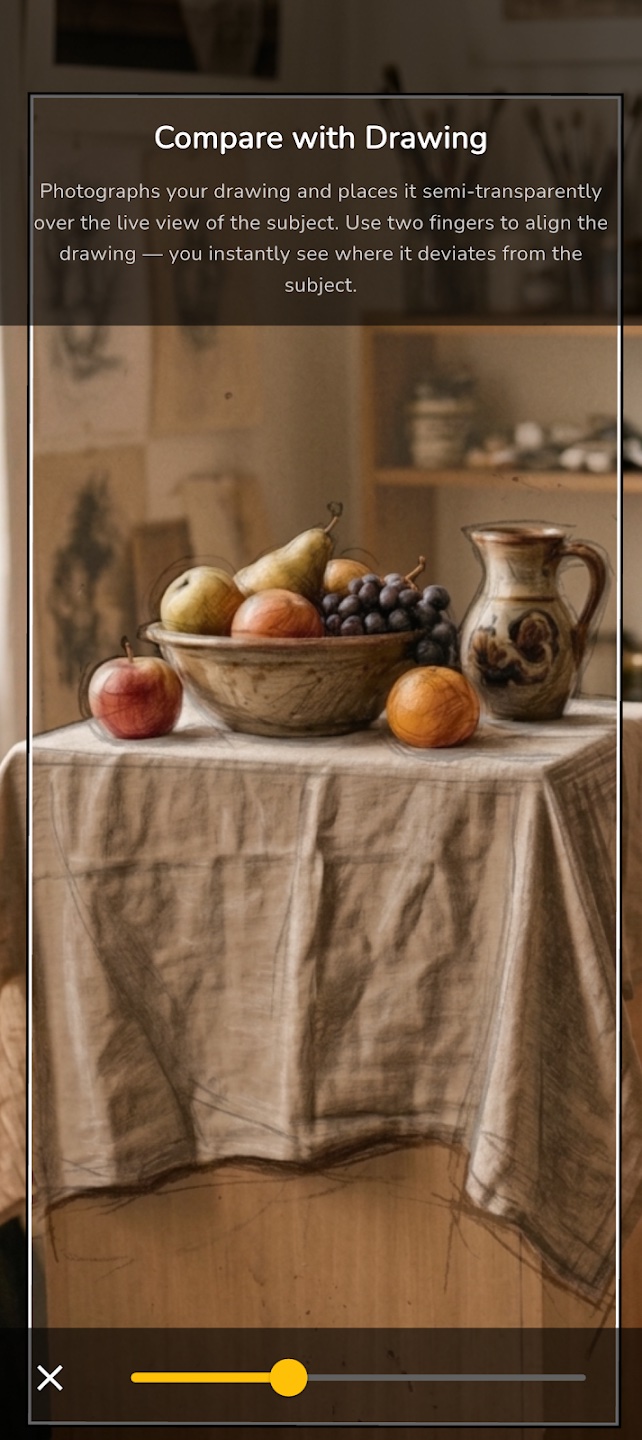
- Live camera with drawing overlay comparison
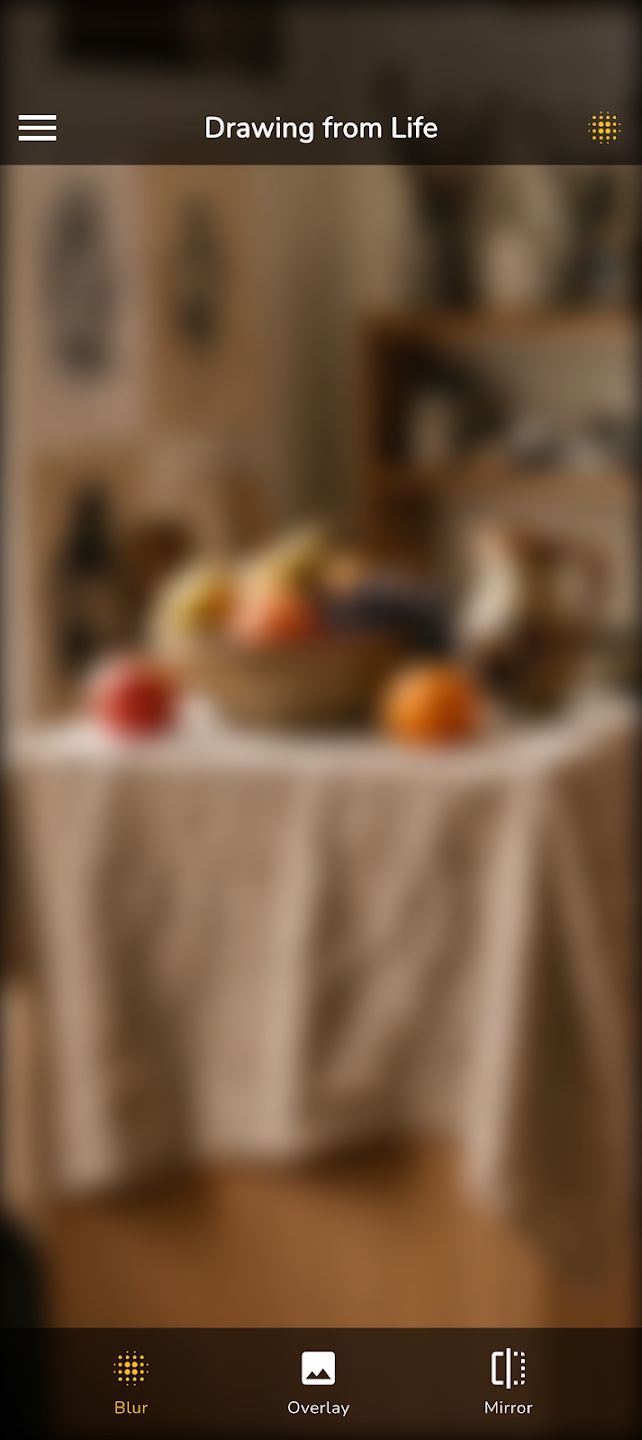
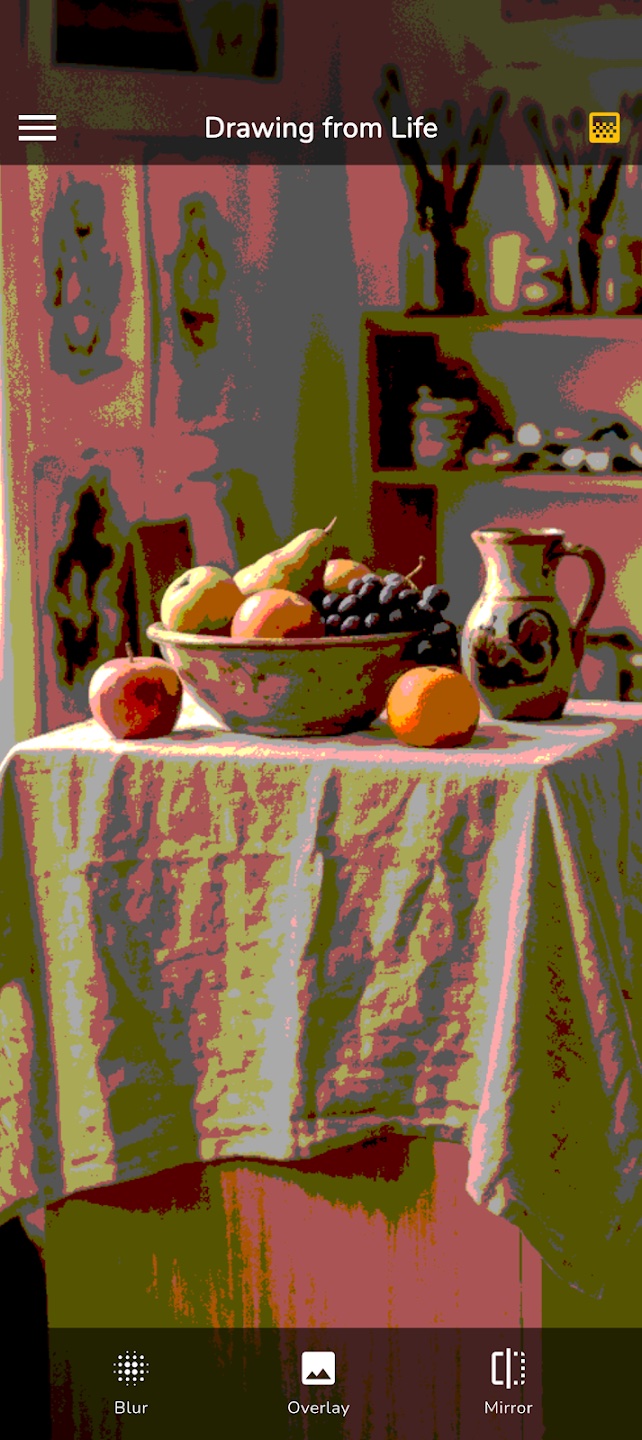
- Blur, mirror and black & white filters
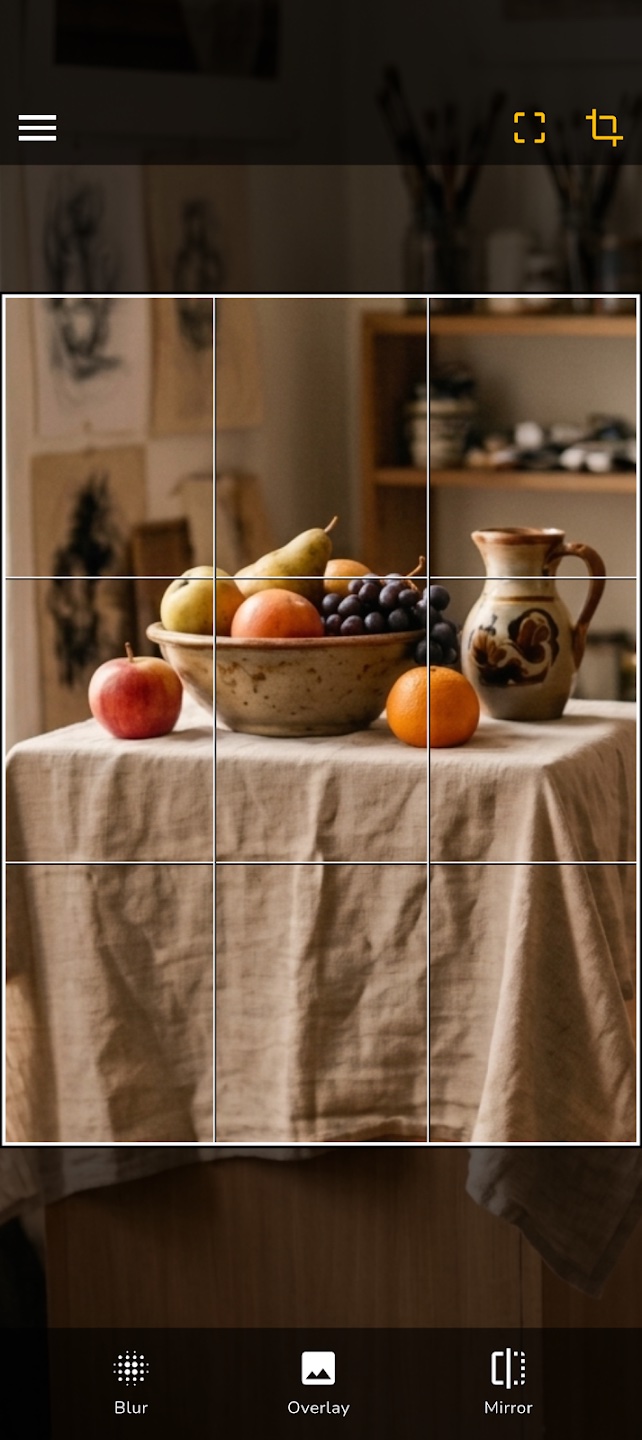
- Grid overlay for proportion transfer
- Composition guides: rule of thirds, golden ratio
- Automatic face axis detection for portraits
- Edge detection to simplify complex shapes
Frequently Asked Questions
Can the app convert my photo into a drawing?
No — both apps are drawing aids, not AI converters. Drawing from References gives you curated reference photos to draw by hand. Drawing from Life overlays your camera with guides so you can draw what you see more accurately. The creative work is entirely yours.
Who are the apps designed for?
Anyone who wants to draw better — from complete beginners to experienced artists. Whether you want to practise figure drawing, improve your sense of proportion, or simply never run out of things to draw.
How should I approach drawing?
Check out our How to Draw — it walks you through the process step by step, from planning the composition to adding the final details.
What is the blur or grayscale view good for?
Blur lets you see overall shapes and tonal values without getting distracted by details — great for checking whether your shading reads correctly. Grayscale removes colour so you can focus purely on light and shadow. Both are surprisingly powerful.
Are the apps free?
Yes, both apps are free to download. Drawing from References includes a trial period, after which a subscription unlocks the full version. Drawing from Life is free with a one-time purchase to unlock all features.
Where can I get help if something isn't working?
Send us an email at support@fnx.io — we read every message and get back to you as soon as we can.